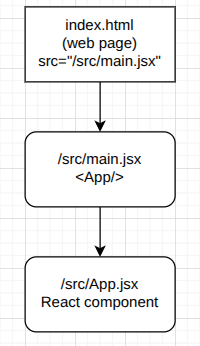
React01
Check if you have Node.js and npm installed:
node -v
npm -v
If you don’t have them installed yet, run the following commands:
sudo apt update
sudo apt install nodejs npm -y
Run the following command to create a new project (answer the questions that the wizard will ask you):
npm create vite@latest react01
After selecting React and JavaScript, the following text will appear:
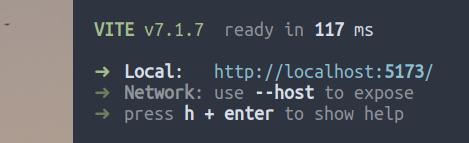
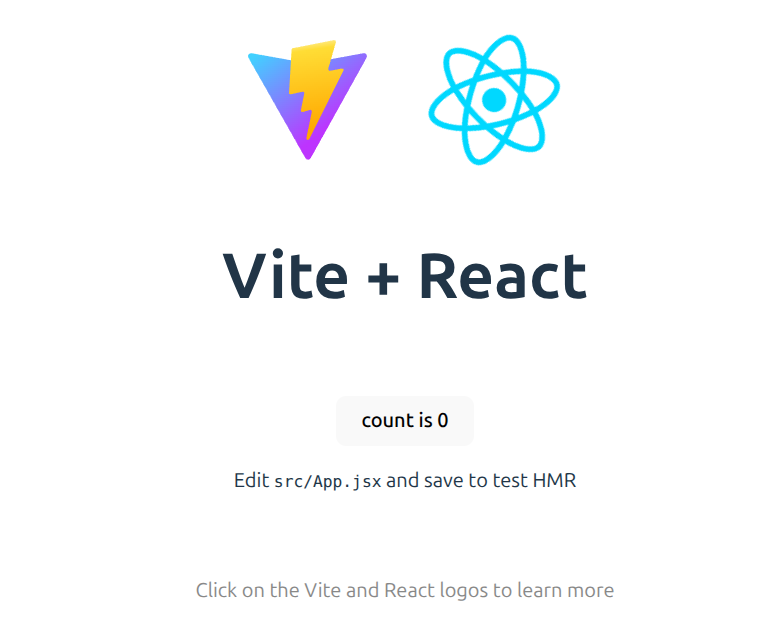
If you hold down the CTRL key and click on the link, an image similar to the one in the screenshot below will appear in your browser:
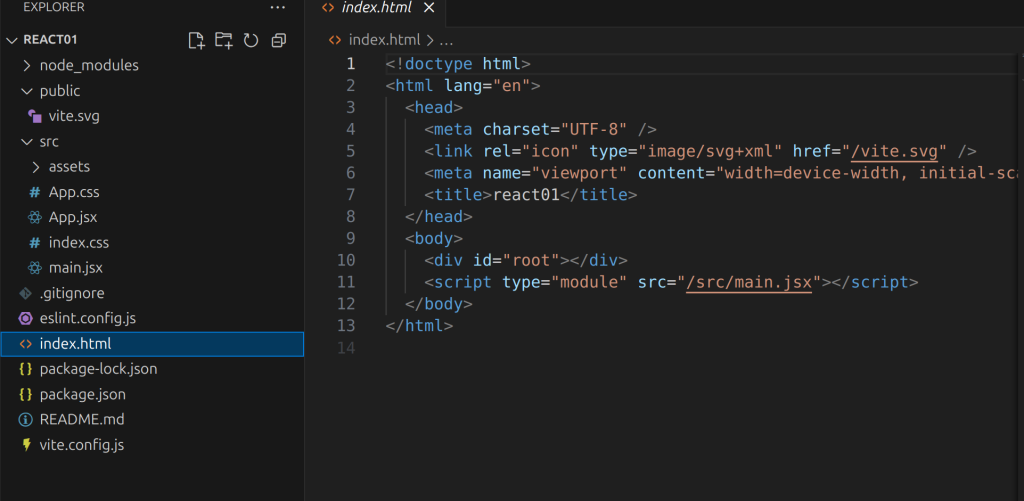
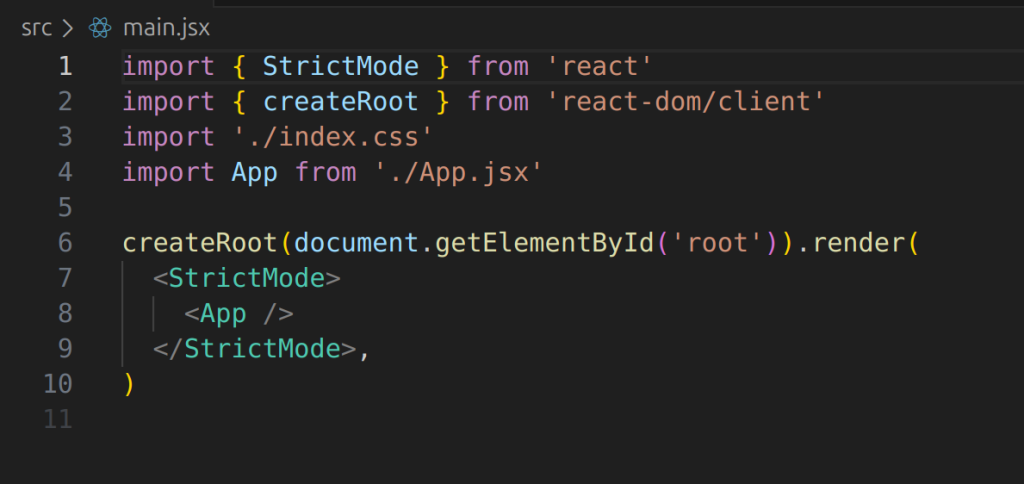
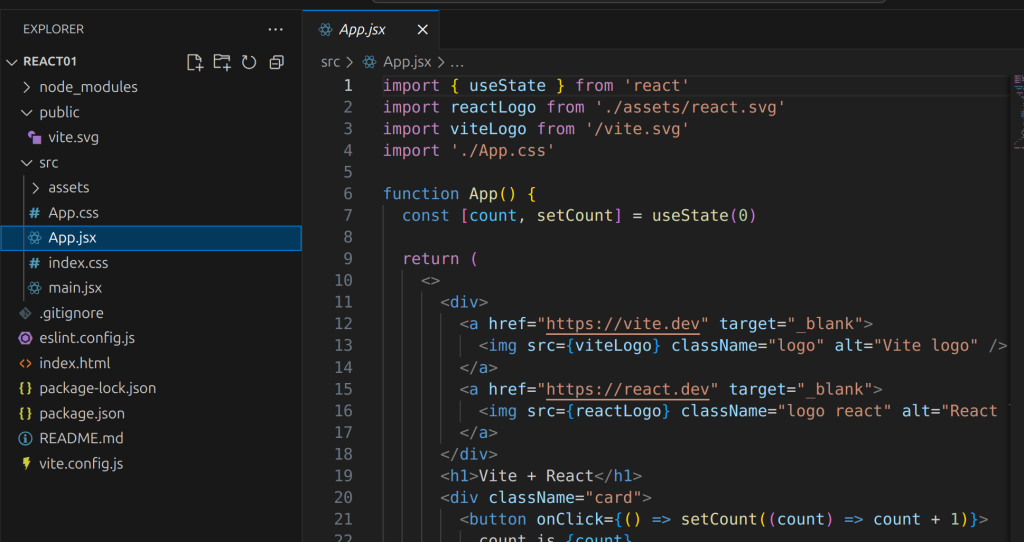
Inside the react01 folder, type the command «code .» (You will need to have Visual Studio Code installed)